
Walk Around The Frame, Guards And Base First
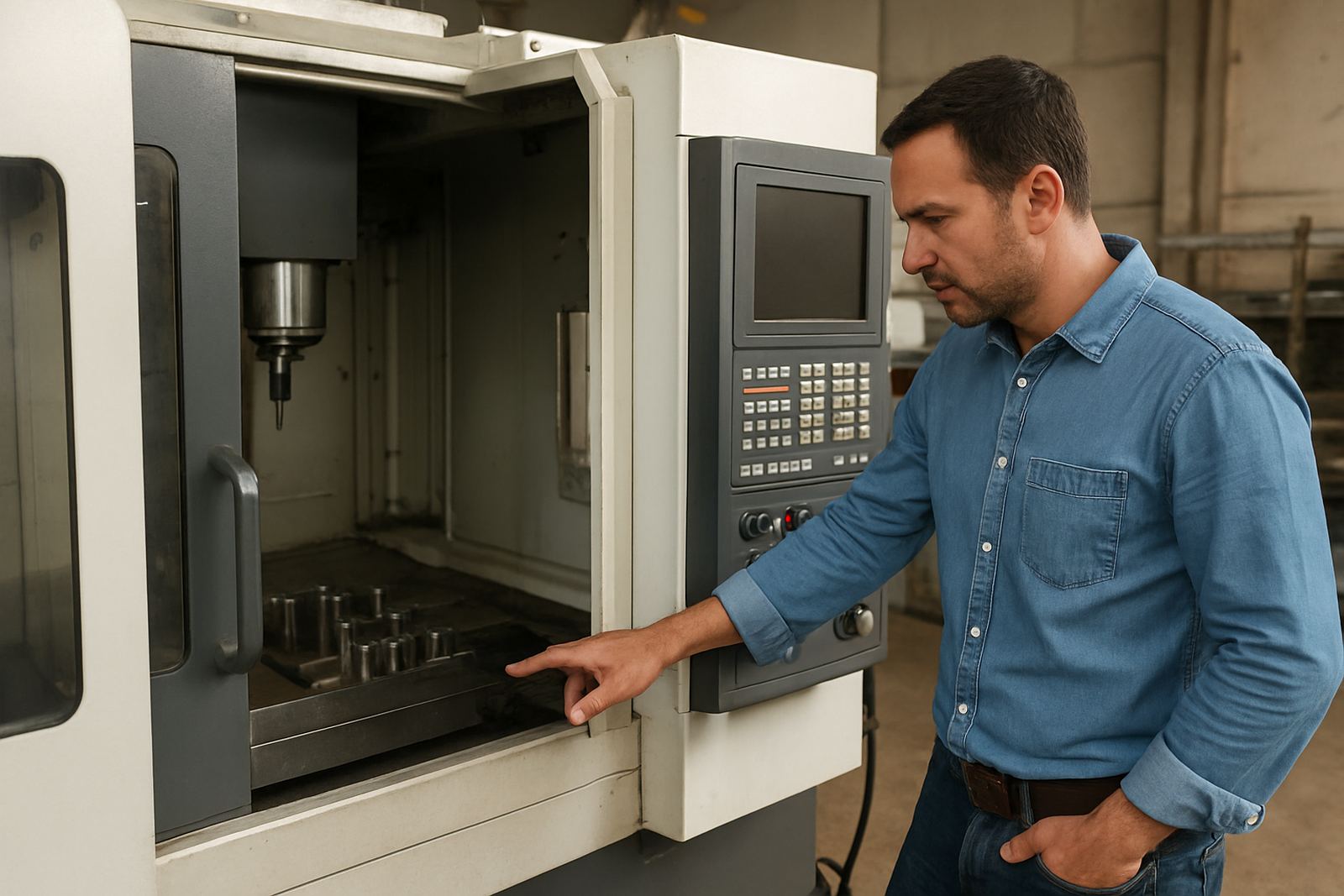
Before you focus on the control screen, inspect the structure. Look for cracks, bent panels, broken glass in guards and signs of impact around the base or bed. On a lathe, check the chuck, jaws, tailstock, carriage and bed for heavy scoring. On a milling machine, inspect the table, column, spindle housing and guard doors. Uneven wear can point to long hours on one side or poor levelling.
Also check for coolant stains, oil leaks and rust. Light surface rust may be manageable, but deep pitting on guideways or a damaged spindle nose can mean expensive repairs. If the machine was moved with a forklift, look for dents near the feet and mounting points. A quick walk around often saves a buyer from a costly surprise later on.
- Look under the machine for leaks and missing covers
- Check for rust on exposed metal and guide surfaces
- Inspect doors, hinges, seals and guard interlocks
- Confirm the machine sits level and does not wobble
Test The Control Panel, Screen And Emergency Stops
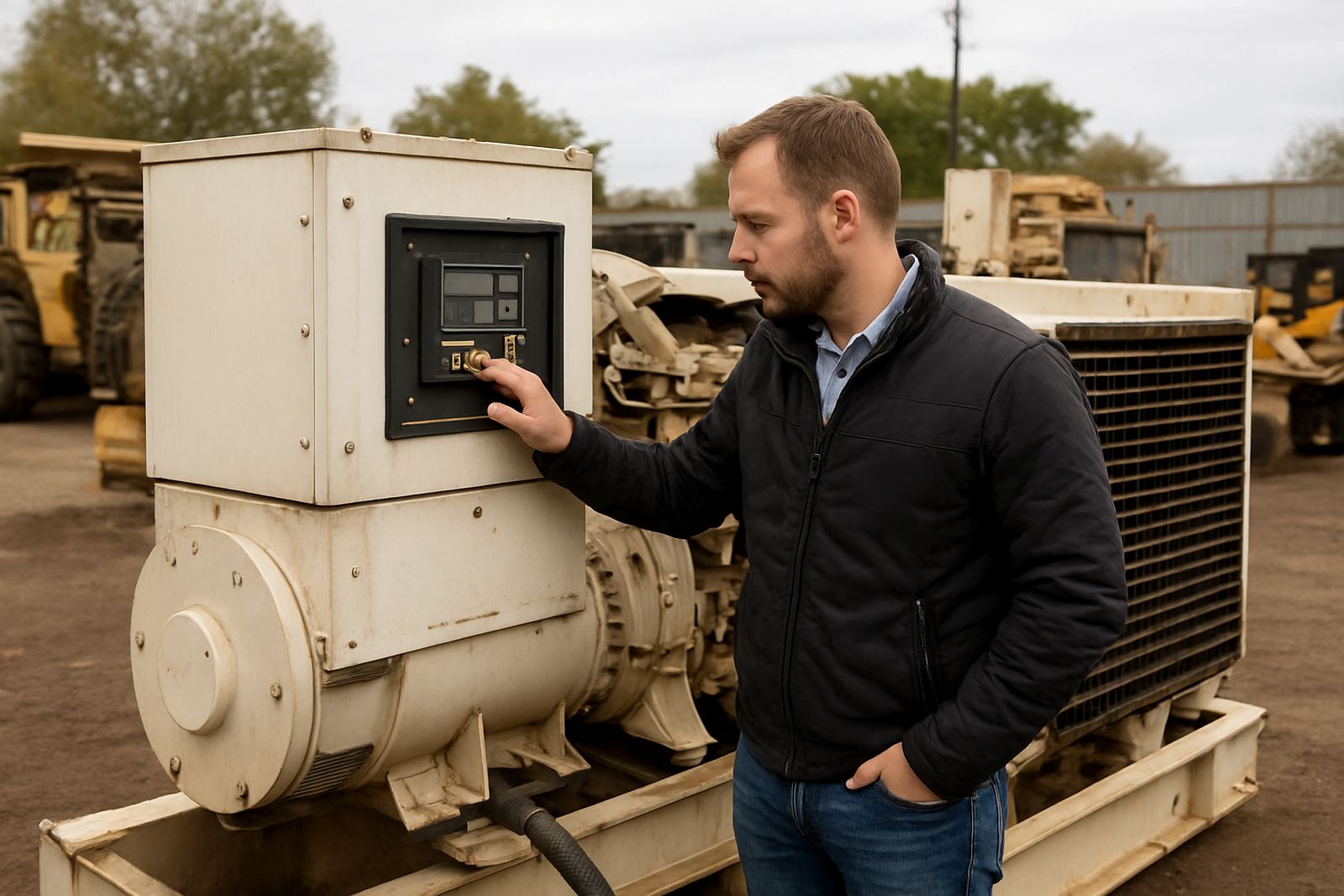
Switch on only if the viewing rules allow it and the seller or yard staff have approved the test. A healthy CNC should power up cleanly, boot the control interface and respond to basic inputs without delay. Watch for error messages, flickering screens, dead buttons or alarm lights that stay on. These can point to deeper electrical or software issues.
Press the emergency stop to confirm it works, then reset it properly. Test the jog functions if permitted and see whether axes move smoothly. Listen for unusual buzzing, grinding or relay chatter. If the machine has been standing for a while, a minor alarm may not be serious, but repeated faults should be treated with caution. The control must be usable and not just lighting up.
- Power on and check boot sequence time
- Review alarms, fault codes and screen clarity
- Test emergency stop and reset function
- Move axes in jog mode if the viewing allows it
Check The Spindle, Tooling And Motion On Lathes And Mills
For a lathe, inspect the chuck grip, spindle play and the condition of the jaws. Try to feel for excessive movement when the spindle is stopped and safe to touch. For a milling machine, check spindle runout, tool holder fit and the condition of the quill or head movement. Any roughness when hand-moving components can mean worn bearings or damaged slides.
Look at tool changers, tool posts, vises, holders and coolant nozzles. Missing accessories can affect the machine's value more than many buyers expect. Also inspect the axis drives and way covers for damage. If the machine has ball screws or linear guides visible, check for signs of contamination, chips and dried coolant. A clean motion path usually tells you the previous operator cared for it.
Where possible, ask the viewing supervisor to run a short dry cycle. Listen for knocks or hesitation. If the machine is under power but not cutting, you can still learn a lot from the noise and movement. A machine that sounds smooth is generally a better risk than one that shudders under light motion.
Measure Wear, Repairs And The Cost Of Getting It Going
Not every used CNC is ready to go back into production the same week. Some need transport, levelling, electrical checks, battery replacement, lubrication service or software support. Build those costs into your bid. A machine bought cheaply can become expensive once you add loading, rigging, transport to Johannesburg, Pretoria, Durban or Cape Town and recommissioning.
Check for evidence of weld repairs, panel patching or non-standard wiring. Ask whether the machine has been reworked after a crash. Small cosmetic damage is one thing, but damaged servo motors, faulty drives or a worn spindle can turn a bargain into downtime. If you are buying for a plant with load-shedding pressure, also think about start-up current and whether your site can support the machine cleanly.
- Add rigging and transport to your total bid limit
- Allow for electrics, levelling and commissioning
- Budget for tooling, batteries and consumables
- Weigh repair cost against expected output and age
Use A Simple Viewing Checklist Before You Place A Bid
Keep your inspection methodical. Start with the paperwork, then the body, then the controls and motion. Take notes on condition, missing items and anything that needs a closer look. If you are comparing more than one lot, write the same points down for each machine so you can compare them fairly. This keeps emotions out of the bidding process, which matters when auctions move fast.
A useful rule is to assume the machine needs more work than it first appears. If it is in a coastal yard or has been standing outdoors, allow extra time for electrical and corrosion issues. If it is from an inland plant with dust and heat exposure, check cooling fans and cabinet seals carefully. A steady inspection saves money and avoids bad purchases.
- Confirm lot number, machine type and included extras
- Inspect frame, bed, table, chuck, spindle and guards
- Test power up, alarms, stops and basic movement
- Estimate transport, repairs and recommissioning costs
Bid With A Clear Limit And A Removal Plan
Do not bid only on the asking figure in your head. Set a ceiling that includes commission, VAT if applicable, collection timing and the real cost of moving the machine to your premises. Large CNC equipment often needs proper rigging and escort planning, especially when moving across metro areas or between provinces. Collections can also be affected by site rules and access times, so plan early.
If you win, make sure you understand the clearance process and who is responsible for collection coordination. Having a plan in place before the hammer falls keeps the process calm and efficient. In many cases, the best purchase is not the newest machine, but the one you inspected properly and can get onto production soon after collection.